Mapping Preparation
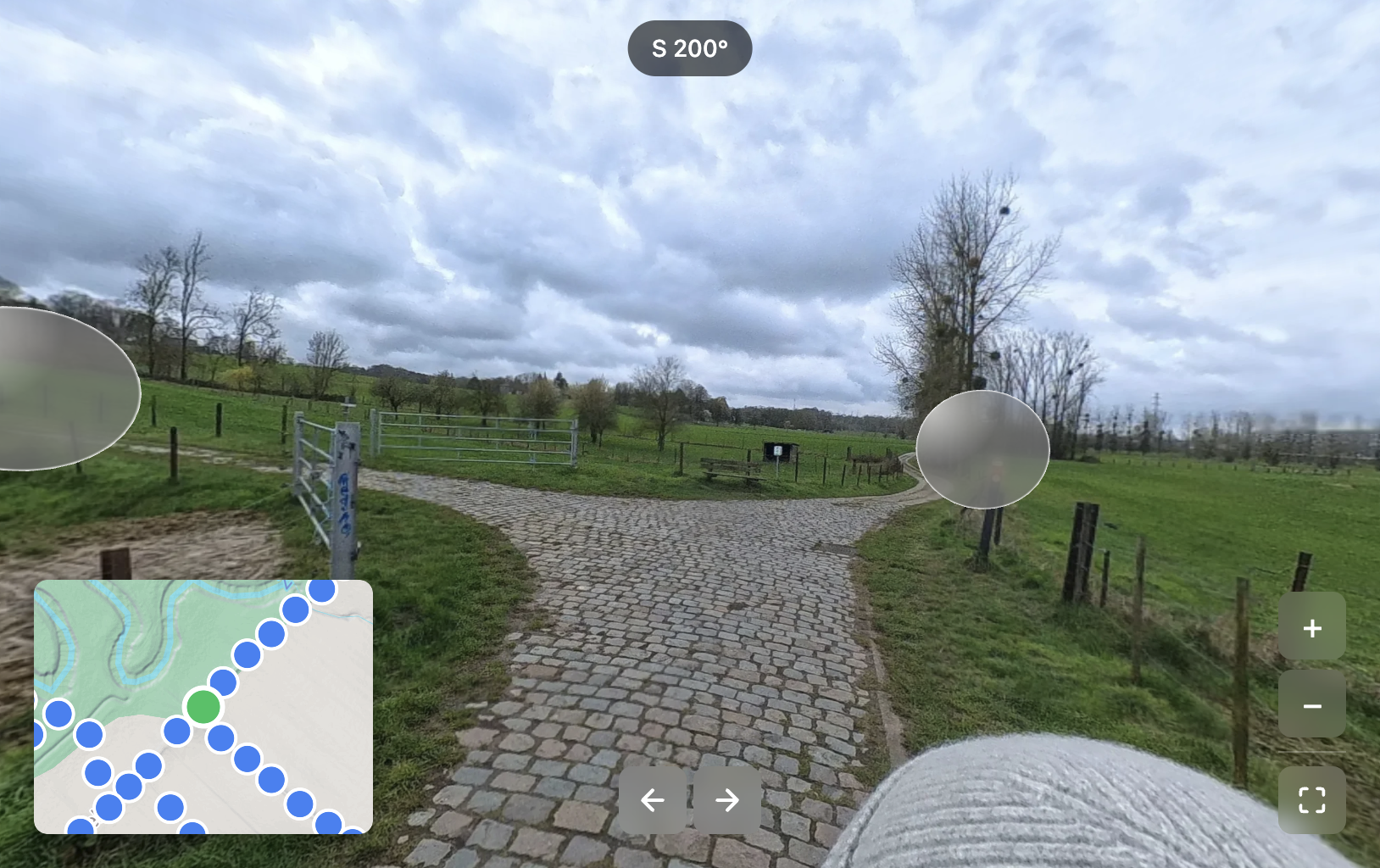
The GPS-tagged 360-degree photos from the first visit were used to create an interactive viewer that allows navigation from one picture to the next, in a way similar to Google Street View.
A single 360-degree photo is about 50 MB in size. Visualising these photos on a website without processing is not feasible. This problem is very similar to web cartography, where massive images are tiled and delivered to viewers. A custom Python pipeline was therefore developed to render each photo in a Web Mercator EPSG:3857 projection, create XYZ tiles based on zoom level, and package them in PMTiles format so they can be hosted on the web (Protomaps, 2026).
The next step in creating an interactive study area viewer was to move from a 2D map of the photo to viewing it as a sphere. Web mapping provided the initial idea: the tiles can be wrapped on a sphere, similar to how Google Maps renders the globe when zooming out. However, with a 360-degree photo, the camera should be inside the globe looking out, not outside looking in.
A viewer was developed to render that camera perspective. The final step was to add clickable spheres so that the viewer can navigate from one picture to the next. The coordinates for each photo were available, but the heading in which the photos were taken was not saved to the picture. This heading is needed to position the other photos in relation to the current photo in 3D space.
Using the vector between two consecutive photos allows an approximation of the travel heading, which enables the relative positioning of photos. Because rendering 120 spheres around the current photo would not be helpful, the sphere was divided into eight quadrants. Each quadrant renders the closest photo sphere within that quadrant, with a maximum render distance of 150 m. This results in a fully interactive study area viewer.